WINDOWS :
1 – Download the installer
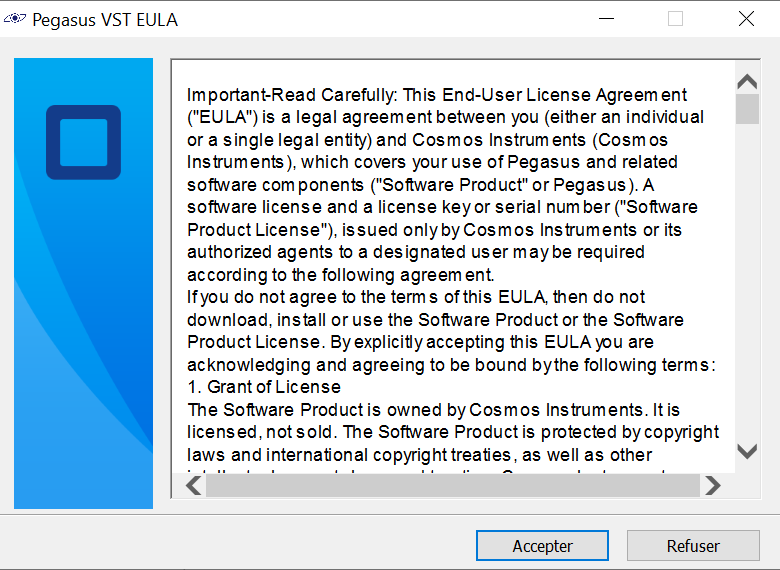
2 – Follow the installation setup
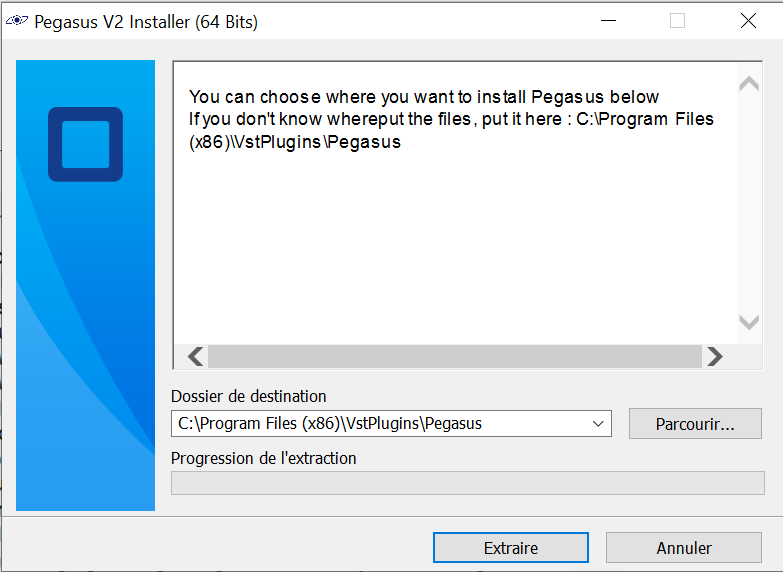
3 – Scan your plugins in your D.A.W (Scan the folder where you have install Pegasus)
FOR THIS STEP IT DEPENDS OF YOUR DAW, SO PLEASE CHECK YTB VIDEOS BEFORE CONTACTING US.
4 – Open Pegasus and enter the licence Key (which is on the download page)
MACOS :
1. Download the .ZIP file
2. Put the .ZIP file in your VST folder
3. Unzip the file
4. You will have a PegasusV2.component and a PegasusV2.instruments
5. Go to your D.A.W. an scan your plugins
6. Open Pegasus and enjoy
P.S. If the VST says a message like “no presets found”, click on the button and select the “PegasusV2.instruments” folder.